Get started
Use this guide to generate an API key and make your first request to the FeedHive Public API.
Create an API key
From your FeedHive account, go to:
Settings > Account
If you want to connect a workspace, go to:
Settings > Workspace
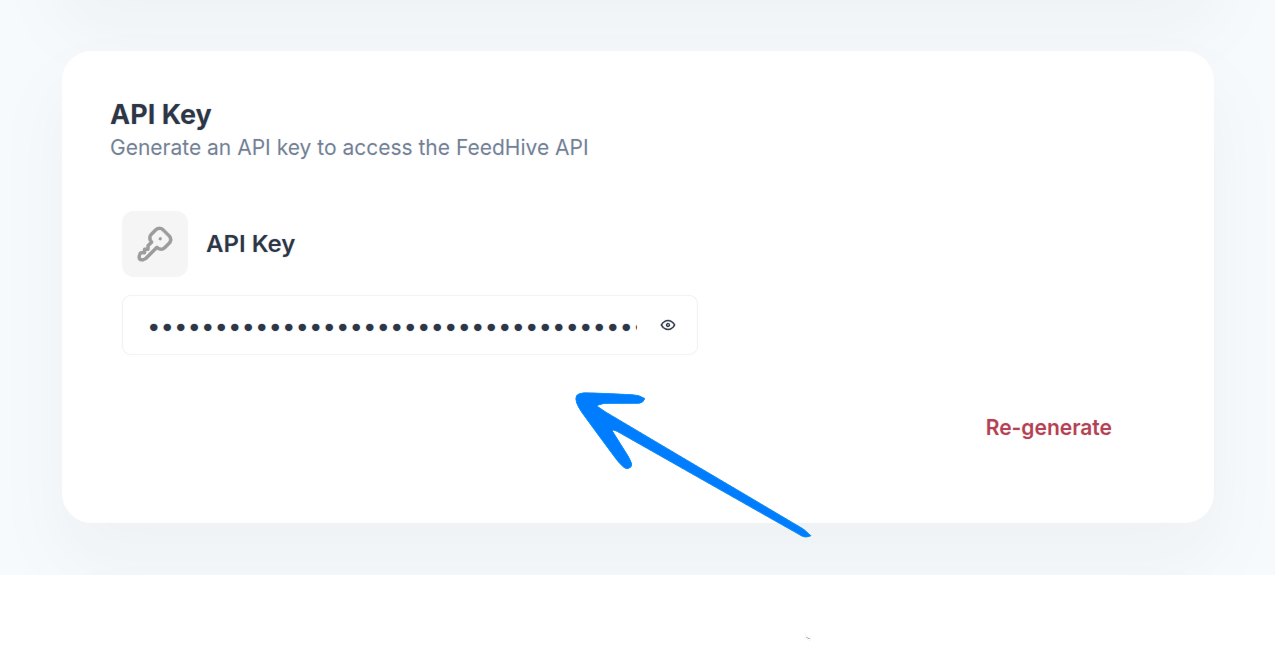
Scroll down to the API Key section, and copy your API key.
Send your first request
Use your API key in the Authorization header and send requests to https://api.feedhive.com.
curl --request GET \
  --url https://api.feedhive.com/status \
  --header 'accept: application/json' \
  --header 'Authorization: Bearer YOUR_API_KEY'
If everything is set up correctly, you should receive a response like this:
{
  "success": true,
  "data": {
    "status": "ok",
    "token": "fh_EQiI8n**********************",
    "username": "My FeedHive Account"
  }
}
Explore the available endpoints
Start with the introduction for the shared request model, then jump into the resource group you need.