Zapier
You can connect FeedHive to +8,000 other tools using Zapier.
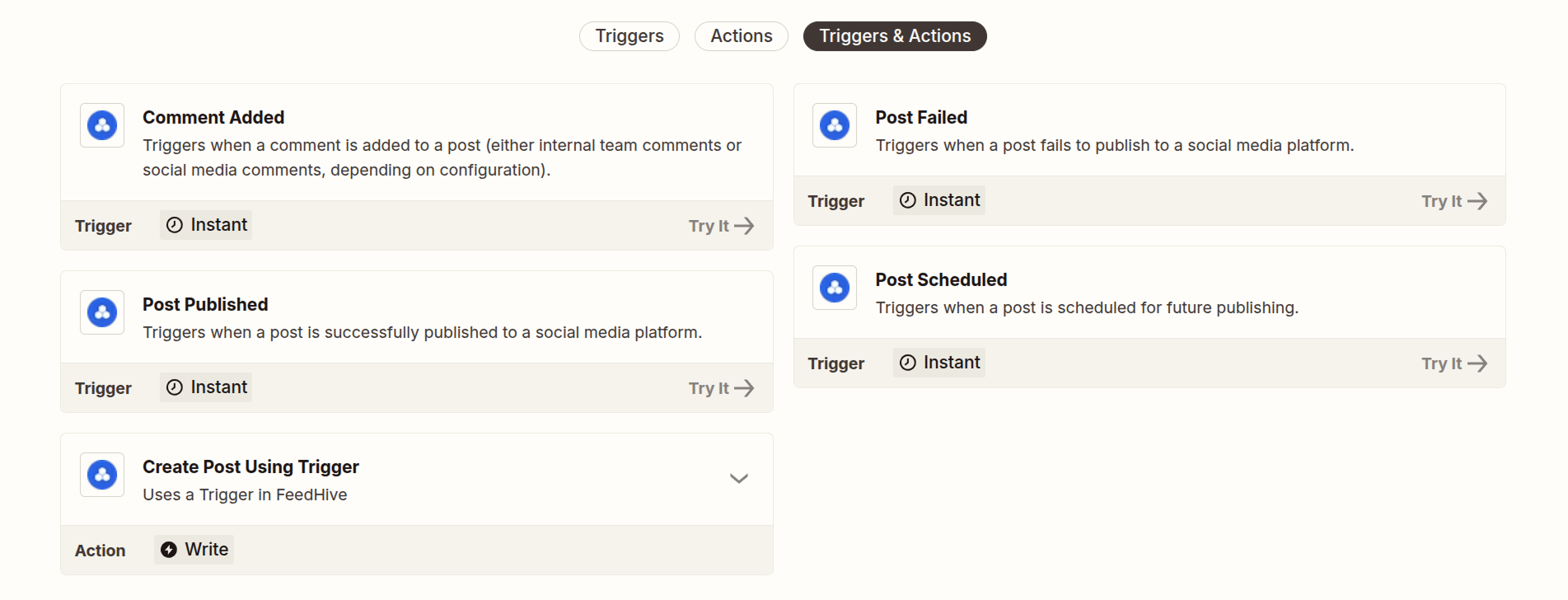
Zapier has a range of different actions and triggers, tailored specifically to FeedHive (opens in a new tab). This opens a whole world of possibilities in integrations and automation.
Get API Key
From your FeedHive account, go to:
Settings > Account
If you want to connect a workspace, go to:
Settings > Workspace
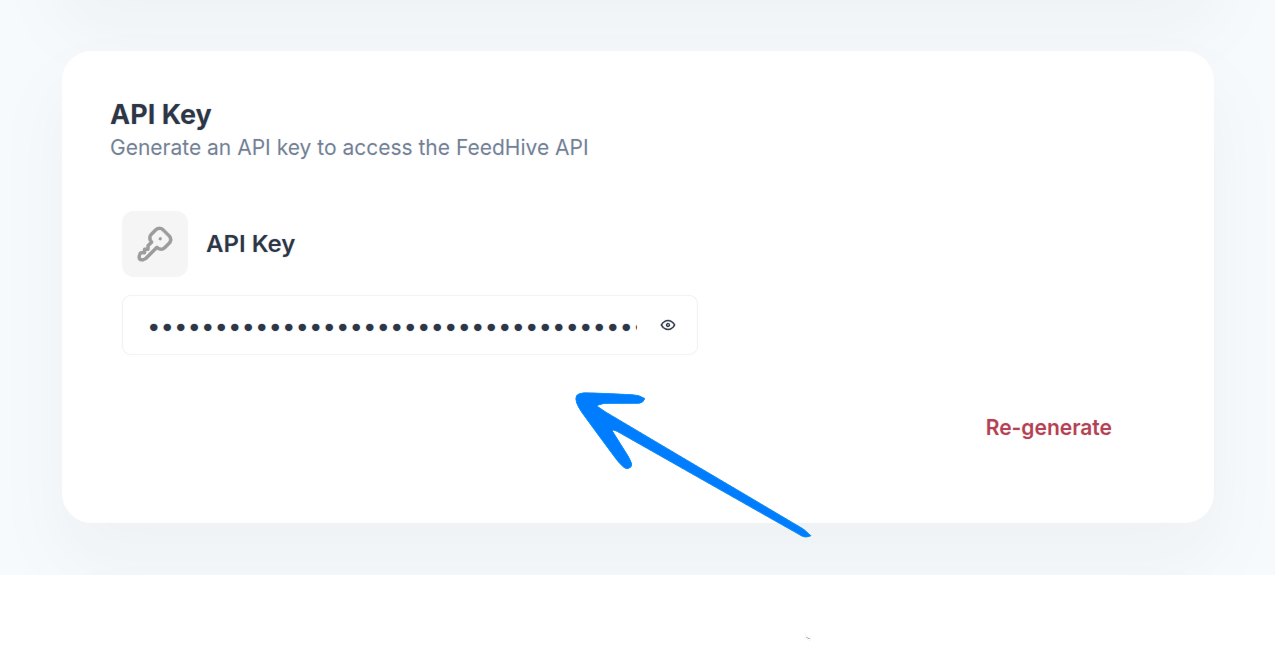
Scroll down to the API Key section, and copy your API key.
Connect Zapier
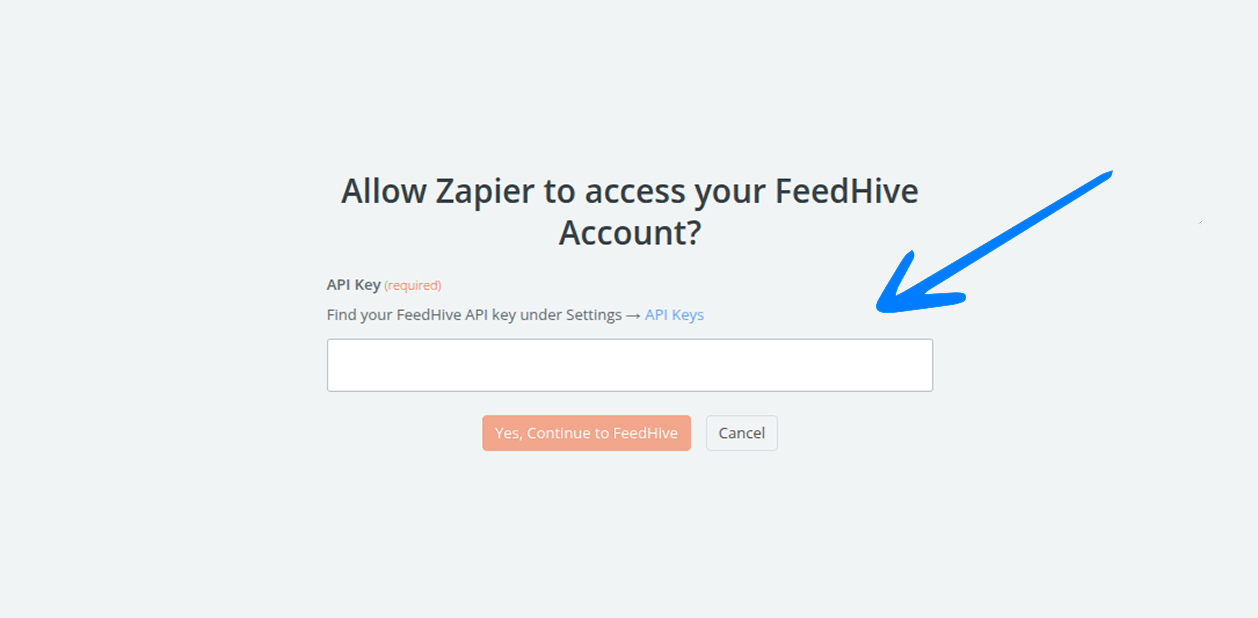
When Zapier asks you to sign into your FeedHive account, add the API key you just created here, then click Yes, Continue to FeedHive.
Congratulations 🥳
Now you can set up the automation you need and start using FeedHive with +8,000 other tools.