Make
You can connect FeedHive to +2,000 other tools using Make.
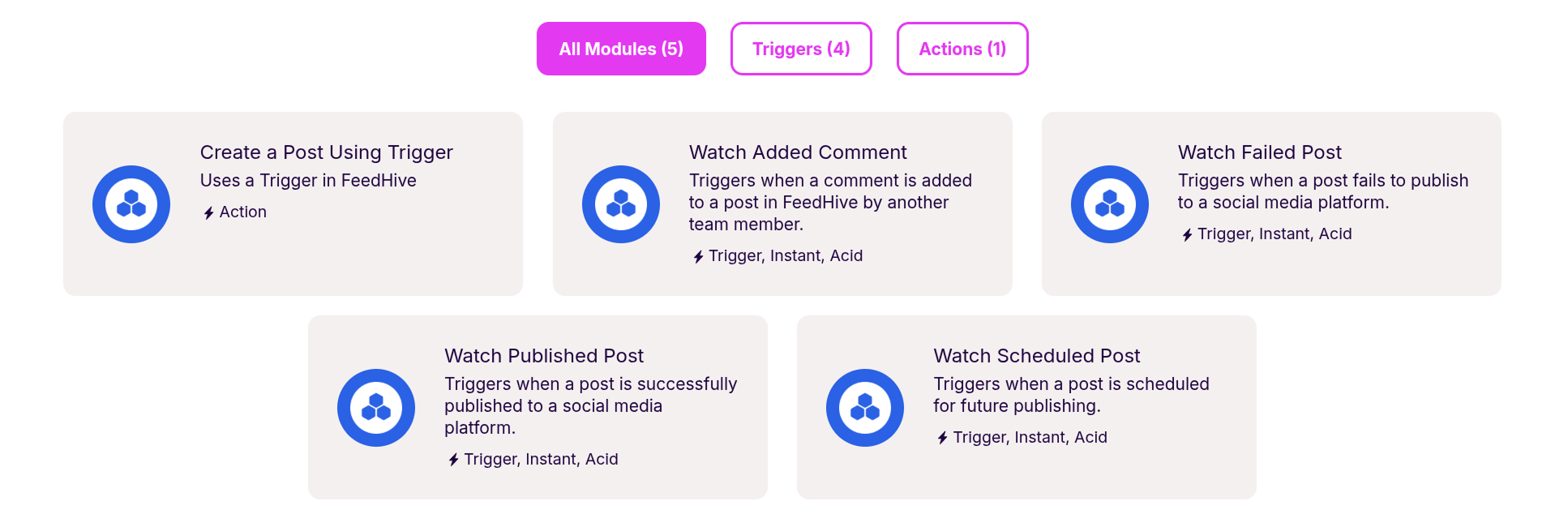
Make has a range of different actions and triggers, tailored specifically to FeedHive (opens in a new tab). This opens a whole world of possibilities in integrations and automation.
Get API Key
From your FeedHive account, go to:
Settings > Account
If you want to connect a workspace, go to:
Settings > Workspace
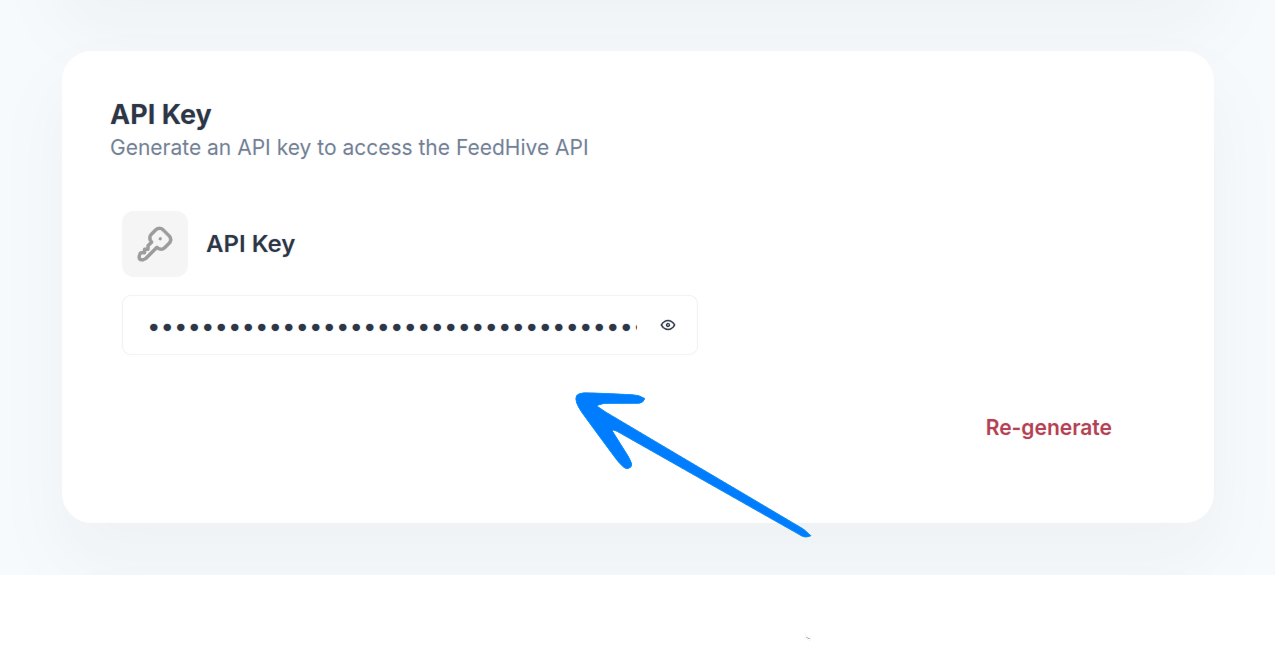
Scroll down to the API Key section, and copy your API key.
Connect Make
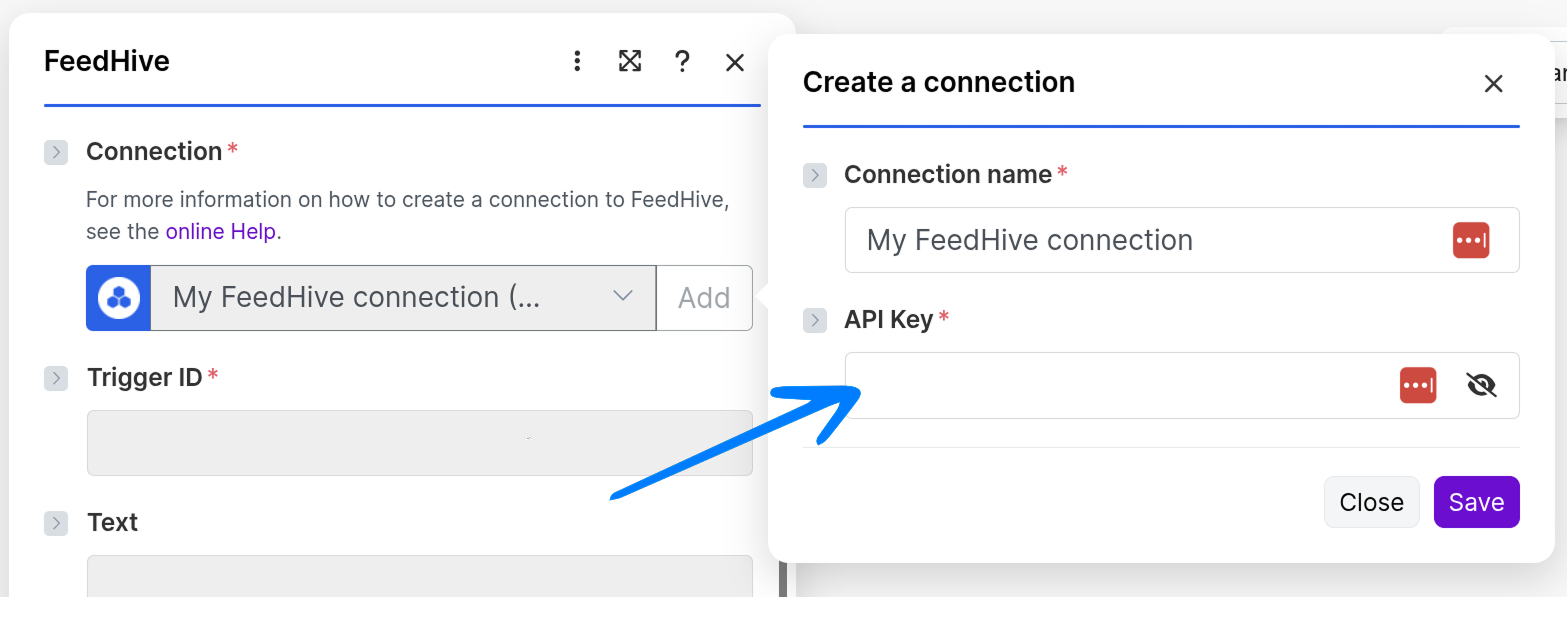
When Make asks you to create a connection to FeedHive, add the API key you just created here, then click "Save".
Congratulations 🥳
Now you can set up the automation you need and start using FeedHive with +2,000 other tools.