OpenClaw
Use OpenClaw with FeedHive to connect your account and ask the agent to create content for you.
Create an API key
From your FeedHive account, go to:
Settings > Account
If you want to connect a workspace, go to:
Settings > Workspace
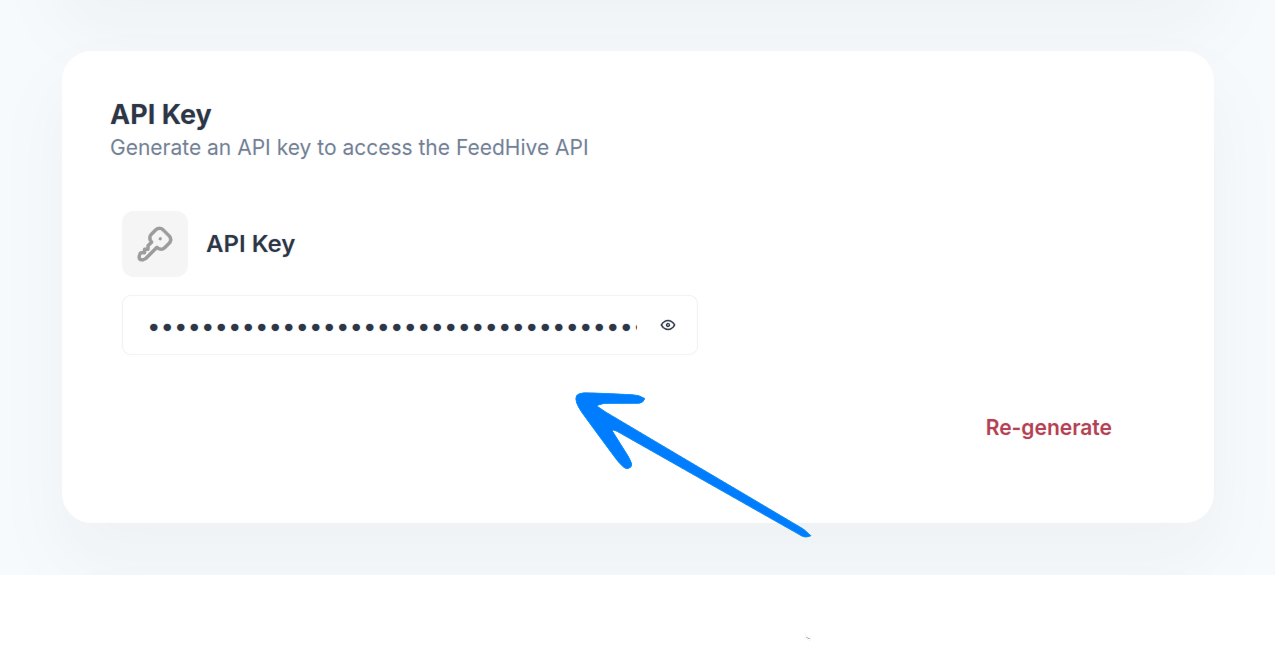
Scroll down to the API Key section and copy your API key.
Install OpenClaw
Run the FeedHive OpenClaw installer and replace [YOUR_API_KEY] with the API key from step 1.
npx @feedhive/setup-openclaw [YOUR_API_KEY]Ask the agent to create content
Once the installer finishes, start a conversation in OpenClaw and describe the content you want to create. Include the platform, audience, tone, and goal so the agent has enough context.
Create three LinkedIn post options announcing our new analytics dashboard.
Keep the tone clear and practical, and include a CTA to book a demo.
Turn this product update into an X thread,
and schedule the best version for tomorrow at 9:00 AM.Draft an Instagram caption for our feature launch.
Keep it under 150 words, and make it sound confident but friendly.For direct API usage, see Get started. If you want to connect an MCP client instead, see MCP.